How to Automate Content Creation With Real Videos, Not AI
Automate the brief, the script, the shoot schedule, the edit, and the publishing calendar, and keep the performance itself real. This guide shows how one shoot day can produce a month of videos without AI generated footage.
How do you automate video content without generating it with AI?
You automate everything around the camera, not the camera itself. The fastest teams treat filming as the one step that stays human, and systematize everything before and after it: the brief, the script, the shoot schedule, the edit, the captions, and the publishing calendar. Automate the performance too, and you get footage that teaches your audience to scroll past you. Automate the workflow instead, and you get real people holding real products, on a schedule competitors cannot match.
Envy Creative has delivered more than 5,000 videos for over 2,000 brands, and the pattern behind the busiest accounts is consistent: they do not film more often, they film smarter, once, and squeeze every usable asset out of that shoot. This guide shows you how to build that system, in house or with a studio.
What does a real video content system actually look like?
A content system has five stages, and each one can be templated. First, the brief: one page stating the product, the audience, the single message, and the call to action. Second, the script: a proven structure, hook, problem, proof, and close, filled in fresh each time but never reinvented. Third, the shoot: one session capturing multiple videos, hooks, and formats. Fourth, the edit: a repeatable assembly line with locked caption styles and export presets. Fifth, distribution: one master edit cut into vertical, square, and horizontal versions, captioned, and scheduled across TikTok, Instagram Reels, YouTube, Facebook, Amazon, and LinkedIn.
The mistake most brands make is automating only the last stage. They buy a scheduling tool, post inconsistently, and wonder why nothing compounds. The leverage lives in the first four stages: a tight brief and a templated script are what let one shoot day produce a month of content instead of a week of it.
How do you batch a month of real videos in one shoot day?
Start with the calendar, not the camera. Pick four weekly themes and give each video a job: introduce the product, answer the most common objection, show the product in real use, and share proof, like a customer result or a before and after. When every video has a job, you stop filming random ideas and start building a library that answers every question a buyer asks before purchasing.
On shoot day, film in blocks: all the hooks first, while energy is high, then all the demonstrations, then all the closers. Changing setups is what eats a shoot day, so group every shot that uses the same backdrop, lighting, and wardrobe. A well planned day can capture eight to twelve short videos, a full month at two to three videos per week, but only if the scripts are finished before anyone arrives on set.
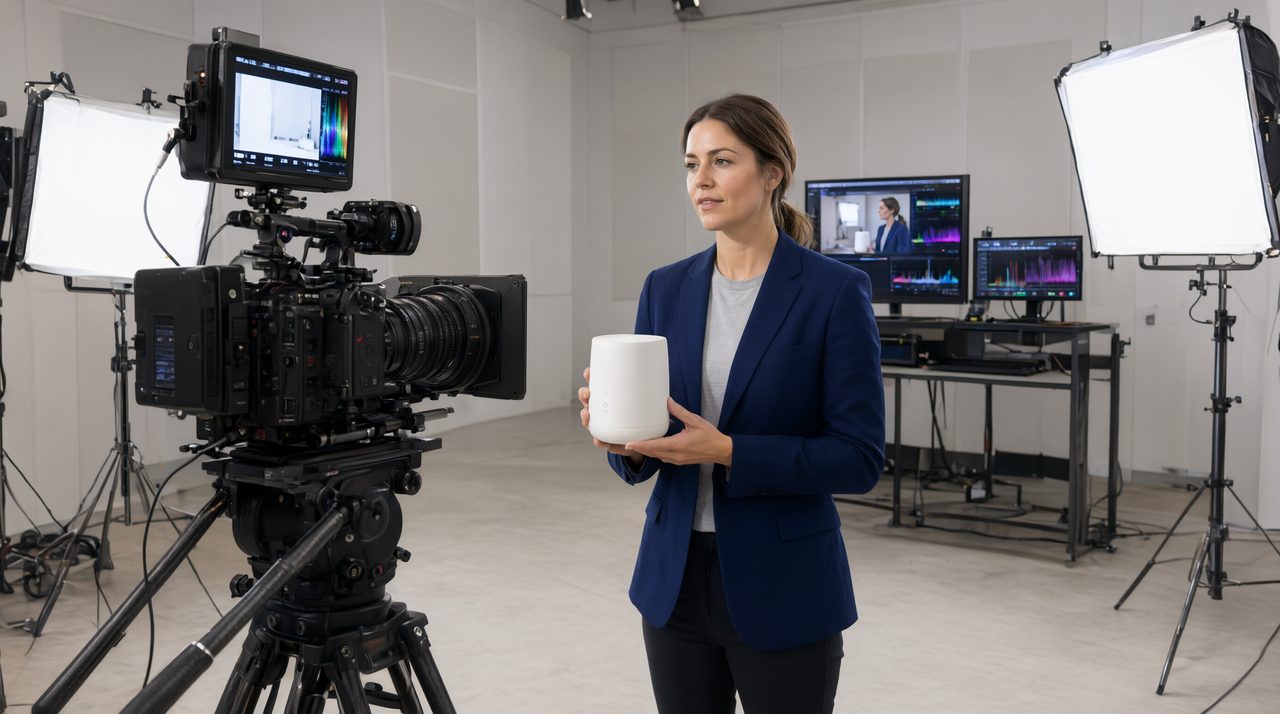
Working with a studio pays for itself here. Envy Creative runs shoots from a 5,000 square foot studio in Simi Valley, California, with talent, locations, and editing under one roof. In house, replicate that discipline: one location, one locked shot list, no script changes on the day.
Which parts of the workflow should you automate first?
Automate the repetitive parts in this order. First, briefs and scripts, with templates your whole team uses. Second, editing, with presets for captions, colors, and aspect ratios, so every video looks on brand. Third, approvals, with one review link and one round of consolidated feedback instead of scattered email threads. Fourth, distribution, with a scheduling tool and a checklist covering title, caption, thumbnail, and link per platform.
Notice what is not on that list: the performance, the demonstration, and the testimonial. Those are the parts buyers trust, and exactly the parts AI generated footage fakes. Platforms flag synthetic media, and audiences spot it in seconds. A real hand holding a real product is becoming a competitive advantage precisely because it is harder to fake. To see how a studio builds this kind of system, Envy Creative lays out its full service process, from concept and script to filming, editing, and platform optimization.
How do you keep automated content from feeling repetitive?
Repetition comes from repeating the same video, not from repeating a system. Vary three things: the hook, the setting, and the proof. Open one video with a question, the next with a bold claim, the next with a close up. Film one batch in a kitchen, the next at a desk, the next outdoors. Prove one claim with a demonstration, the next with a customer quote, the next with a number. The system stays the same, the surface changes.
Track what works with a simple scorecard: views in the first 48 hours, click through rate, and comments asking buying questions. Retire hooks that underperform, double down on the ones that pull buying questions, and feed those learnings into the next brief. That feedback loop is the real automation. Brands that stick with a system like this tend to stay: Envy Creative reports a 38 percent return client rate.
Start with one batch, not a full overhaul
You do not need to rebuild your marketing to automate video content. Pick one product, write four scripts from one template, film them in one session, edit with one preset, schedule across two weeks, and measure which hook earned the most buying questions. Then repeat, with the winner as your new template. Turnaround for studio produced work typically runs 7 to 21 business days depending on style and complexity, with rush delivery available.
Automation was never supposed to replace the human part of video. It was supposed to protect it, clearing away busywork so camera time counts. Build the system around real footage, and your content gets faster without getting faker. To see how that system looks for your brand, talk to Envy Creative about a batch built around your next product launch.
Frequently asked questions
Can you really automate video content without AI generated footage?
Yes. Automate the brief, the script template, the shoot schedule, the edit presets, and the publishing calendar, and keep the performance itself real. That is where trust, and conversions, come from.
How much does studio produced video cost?
At Envy Creative, Amazon product videos start from $150, studio quality UGC and vertical ads start from $250, and commercial explainer videos start from $500, flat rate with no hidden fees, including scriptwriting, talent, locations, editing, captions, and multiple aspect ratios.