How to Get a Product Video Made for Your Amazon Listing, Step by Step
Send the product, approve a demonstration first script, and film a real person using it. Costs, timelines, what to show first, and the mistakes that stop listing videos converting.
You get a product video made for your Amazon listing by sending the physical product, approving a short script built around one clear demonstration, and letting a studio film a real person using it, then edit it for the listing, ads, and social. The video should show size, use, and proof in the first seconds, because shoppers decide fast and cannot touch the product.
That process sounds simple, but most weak listing videos fail before filming starts. They try to say everything, show nothing clearly, or copy a social ad that was never built for a product page. A listing video has a different job. It must answer the questions that stop a purchase, in order, with proof a shopper can see.
How do I get a product video made for my Amazon listing?
Start with the product and the listing, not with a camera. Send the physical product, the current listing link, and the one claim you most need shoppers to believe. A good studio reads the reviews and the questions on the page first. Those words tell you what buyers doubt, what they misunderstand, and what made past buyers happy.
Next, approve a script that follows the shopper, not the brand. Open with the problem or the result, show the product in a real hand for scale, demonstrate the main use step by step, handle the top objection, and close with a clear reason to choose this version. Keep one video to one main job. If you need a comparison video or a how to video as well, plan them as separate cuts rather than cramming them into one.
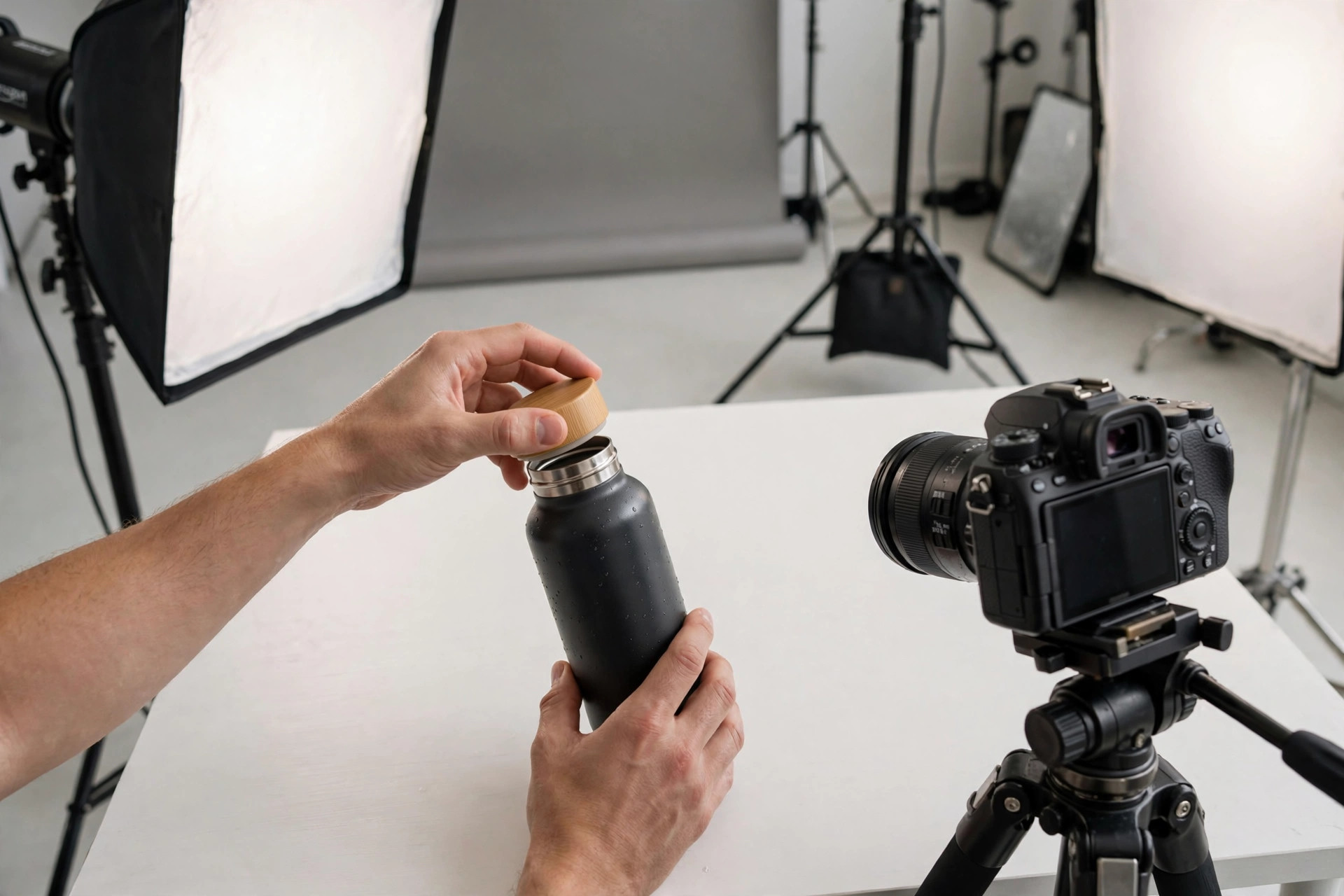
Then filming and editing do the rest. At Envy Creative, every video is filmed with real actors holding physical products in a 5,000 square foot studio in Simi Valley, California, never generated. Packages include scriptwriting, professional talent and locations, editing, motion graphics, captions and subtitles, multiple aspect ratios, and platform optimization, with revisions included.
What should an Amazon product video show first?
Show proof first. Put the product in use within the opening seconds, with a hand, a counter, a room, or another familiar reference that gives scale. Shoppers who cannot judge size or fit from the photos will leave, even when the written listing answers the question lower down the page.
- Scale and setup, how big it is and what comes in the box.
- The main job in action, shown in order with no skipped steps.
- A close, honest detail shot of the material, controls, or result.
- The objection handled on camera, such as cleaning, charging, assembly, or storage.
- One closing line that repeats who it is for and why it fits.
Keep spoken claims consistent with the listing. If the video says one size, price, or result and the page says another, trust drops. Consistency is also what helps search and AI summaries describe your product correctly. Same product name, same key numbers, same use case, everywhere.
How much does an Amazon product video cost and how long does it take?
At Envy Creative, Amazon product videos start from $150, studio quality UGC and vertical ads start from $199, and commercial explainer videos start from $500, with an overall range of $150 to $5,000 or more. Pricing is flat rate with no hidden fees, so you can budget the listing video alongside ad cuts instead of guessing at hourly bills.
Turnaround is 7 to 30 days overall. Amazon product videos take 30 days, UGC takes 7 business days, and commercials and long form take 21 days, with rush delivery available. That timeline is a reason to start before a launch or a seasonal push, not during it. Ship the product early, approve the script promptly, and leave room for one revision round.
The track record behind those numbers matters too. Envy Creative has delivered more than 5,000 videos for more than 2,000 brands, with a 38 percent return client rate. Brands come back when a listing video helps shoppers decide, and when the same shoot can also supply cuts for TikTok, Instagram Reels, YouTube, Facebook, and Amazon placements.
What mistakes make a listing video fail to convert?
The first mistake is leading with logo and lifestyle instead of demonstration. A shopper on a listing is already interested. They do not need to be introduced to a mood. They need to see whether the product works, fits, and is worth the price compared with the next listing.
The second mistake is using generated or stock footage that does not match the shipped product. Colour, size, parts, and results must match what arrives at the door. Filmed proof protects you here. A real actor can show the actual setup, the actual result, and the small details a generated clip would invent.
The third mistake is making only one version. A listing needs a clear main video, but your ads need shorter hooks and your social posts need vertical cuts. Plan the shoot to produce those versions from the start. It costs far less than booking a second shoot later, and it keeps the claim and the look consistent across every placement.
If you are preparing a listing now, bring the product, the listing link, and the top three buyer questions to Envy Creative. A short plan built around demonstration, honest detail, and consistent numbers will give shoppers the proof they need and give you video you can reuse well beyond one product page.
Frequently asked questions
Do I need to send my physical product to get a listing video made?
Yes. A filmed video needs the real product so scale, colour, parts, and results match what shoppers receive. Send the product, the listing link, and any must show details with it.
How much does Envy Creative charge for an Amazon product video?
Amazon product videos start from $150, with an overall range of $150 to $5,000 or more at flat rate pricing with no hidden fees. UGC and vertical ads start from $199 and commercial explainers from $500.
Can one shoot cover the listing and social ads too?
Yes, if you plan it that way. A single filmed demonstration can be edited into a listing video plus vertical and short cuts for TikTok, Instagram Reels, YouTube, and Facebook, with captions and multiple aspect ratios included.